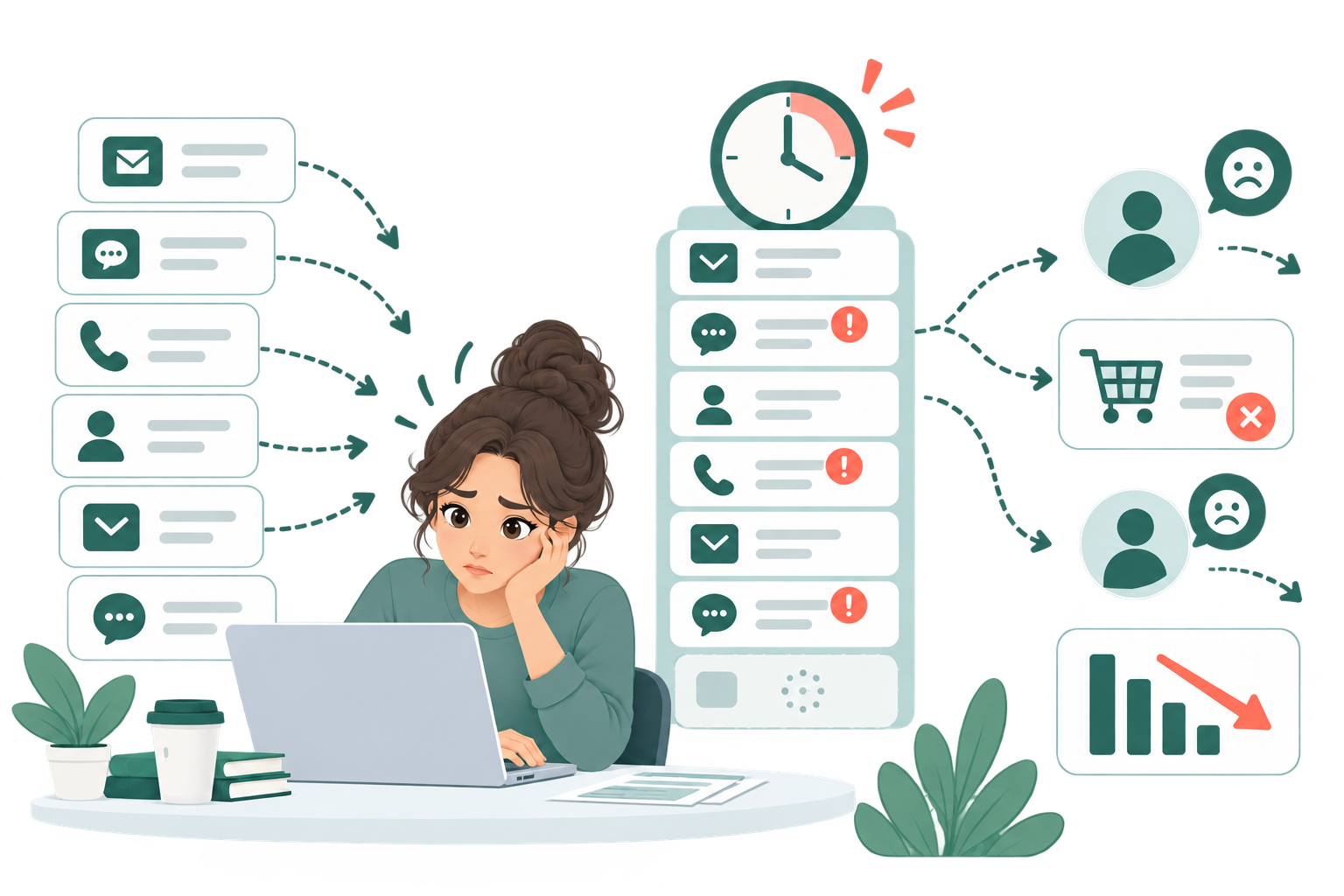
The same information is entered several times
An employee copies data from an email into a spreadsheet, then into another system or document.

We connect forms and email, create documents, update systems, send notifications, and move information between the tools your company already uses.
An employee copies data from an email into a spreadsheet, then into another system or document.
Quotes, invoices, contracts, and other documents have to be prepared one by one.
Check a status, create a task, send a reminder, or update a record at the right time.
Email, spreadsheets, forms, CRM, and other services each hold a separate part of the process.
A small typo or a missed step can create extra work, delay a task, or send incorrect information.
Receive a request → find the data → prepare a document → update the system → send the result.
Manual steps take time and attention
Manual steps become an automated workflow
The process runs automatically without unnecessary steps
We look at how the work is done today: who is involved, what information is used, where time is lost, and where errors appear.
We decide which steps should happen automatically, where checks are needed, and how the tools should exchange information.
We test the workflow with real examples, explain how it works, and put it into everyday use.
The system handles repetitive actions for you.
Information no longer needs to be copied manually several times.
The next step starts automatically instead of depending on someone remembering it.
Statuses, actions, and results follow one clear process.
A larger workload does not mean repeating the same actions by hand again and again.
Security is considered at every stage
Only the right people can use the data
We define who can see, change, or run each part of the workflow.
Important actions can be reviewed
Where needed, the workflow records what happened and leaves critical decisions to a person.
Information should only go where it is needed
We choose what data is transferred, where it is stored, and which services are allowed to use it.
One clear workflow with a few connected steps, such as form → document → notification.
Several steps, checks, data updates, or integrations between services.
Several connected workflows, custom logic, access roles, or additional development.
No. Automation can usually work with your existing tools and services.
Yes. That is often the best place to start.
No. Many tasks are better solved with clear rules and ordinary integrations. AI is useful when the work involves understanding or classifying content.
The workflow can include error handling, notifications, and safe retries so that a problem does not go unnoticed.
Yes. We can begin with one process and add more steps or connected systems as the need becomes clear.
Tell us how the work is done today, and we will show you which steps could be automated.