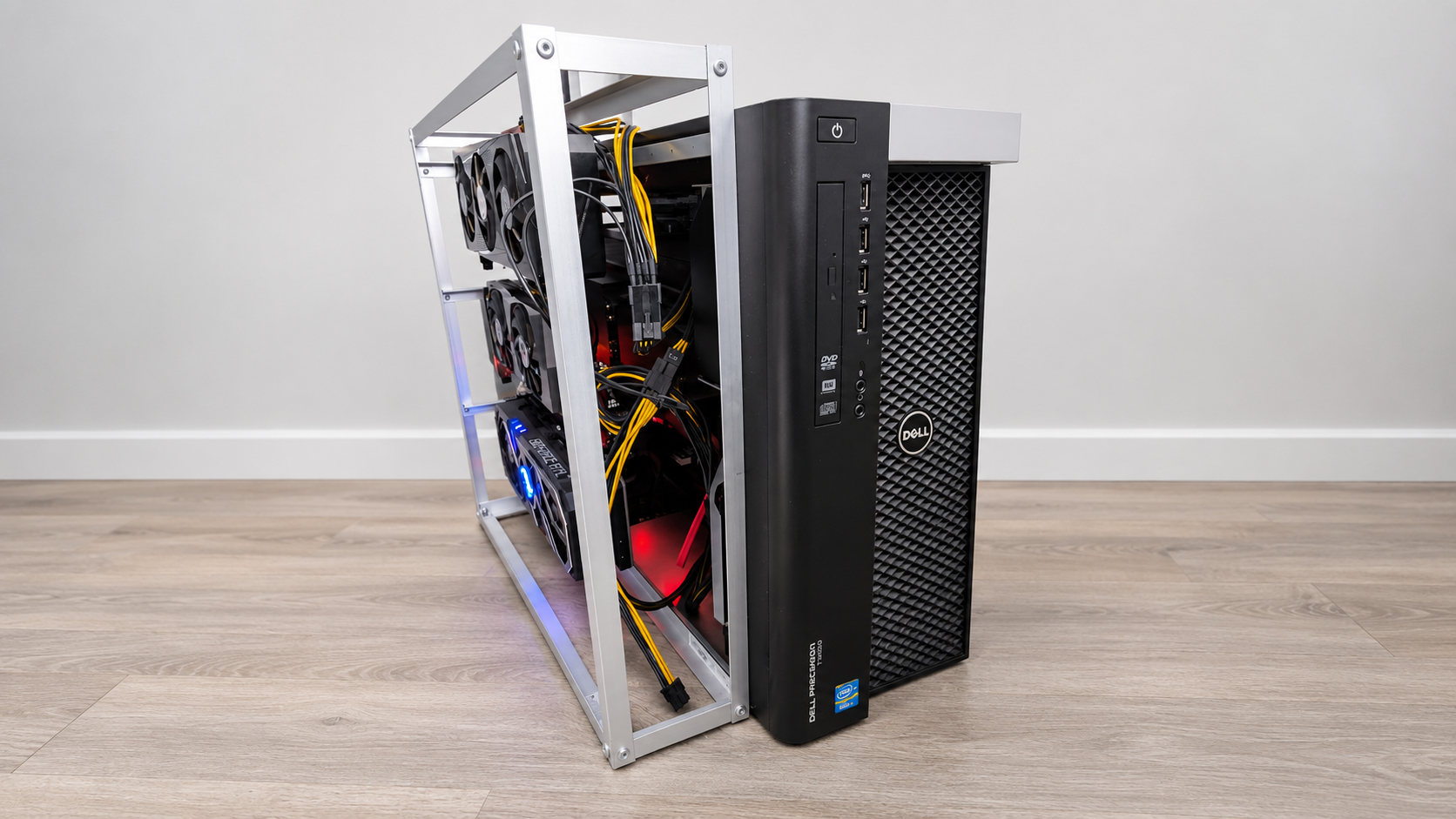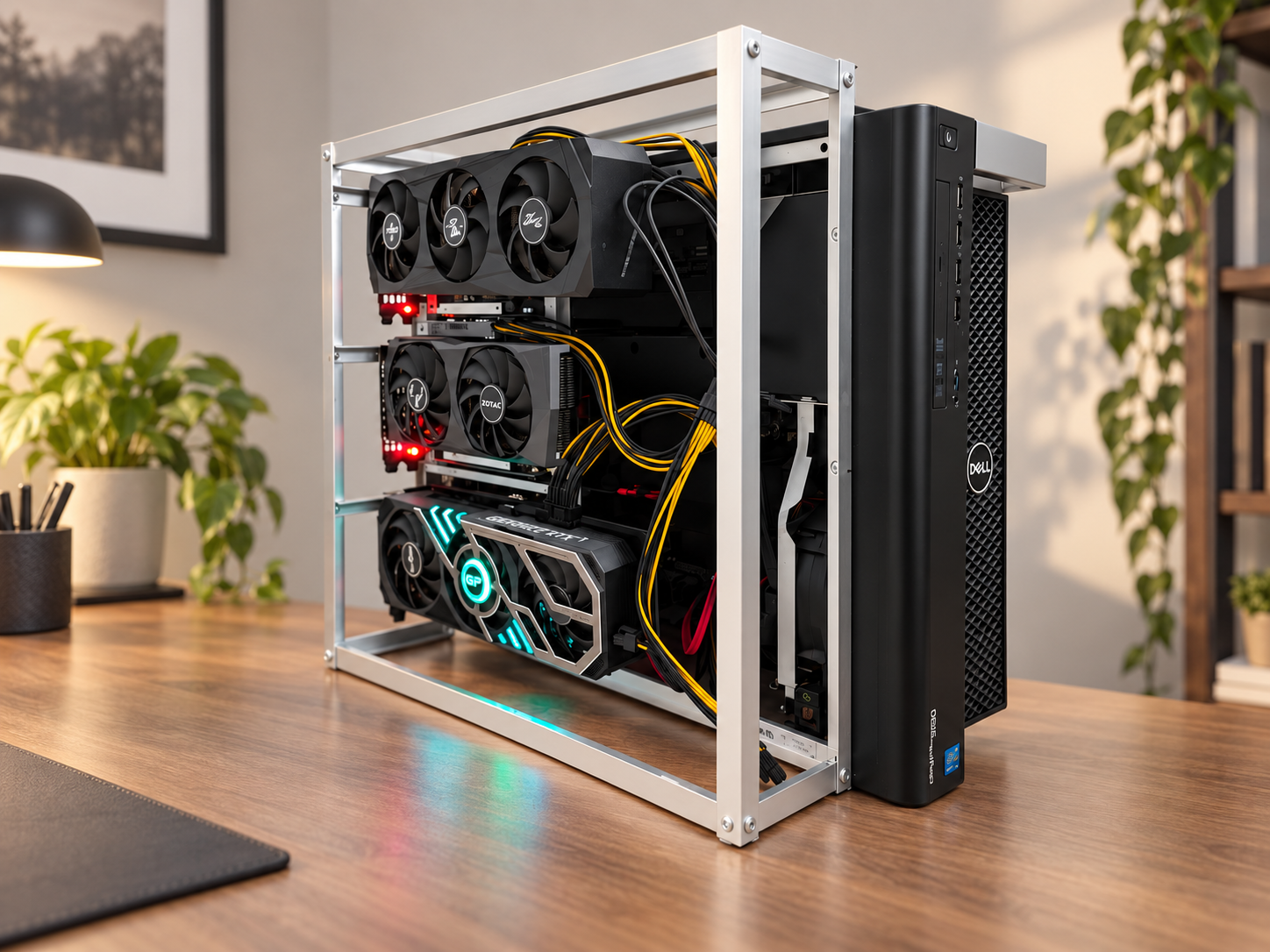
As part of our training and hands-on exploration of AI technologies, we decided to build our own experimental lab around a server-grade workstation. The purpose of the project was not to create a commercial server, but to gain practical experience: from configuring Linux and container infrastructure to running local language models, developing AI agents and automating processes.
The server became a learning environment where we could experiment with different technologies, test ideas, make mistakes and find solutions.
What is inside
The lab is based on a Dell Precision T7600 workstation.
- 2 × Intel Xeon E5-2680 processors at 2.70 GHz
- 128 GB RAM
- 2 × NVIDIA RTX 3060 12 GB
- NVIDIA RTX 3080 Ti 12 GB
- Ubuntu Server 24.04 LTS
- two NVMe drives in RAID 1
The system has 36 GB of video memory in total, but three graphics cards do not automatically become one 36 GB GPU. To use them together, both the software and the models must support distributing the workload across several GPUs. Working with this configuration helped us better understand the hardware requirements of modern language models and the limitations of local AI.
What runs on the server
Almost everything runs in Docker containers. The main tools are:
- Ollama — for running local language models.
- Open WebUI — a familiar chat interface for testing and comparing different models.
- OpenHands and Hermes Agent — for experiments with AI agents that can use tools as well as answer questions.
- n8n — for automation and for connecting AI to other services.
- Dify — for experimenting with AI applications and data-processing workflows.
- ComfyUI — for generative image workflows.
We also used Portainer and Cockpit to administer and monitor the system.
Working with Docker became a separate part of the practical training: configuring containers, managing resources, connecting services and tracing the causes of errors.
Experiments with language models
We ran models of different sizes and for different purposes, including Qwen, DeepSeek, Gemma, Phi, Nemotron and others. We were particularly interested in so-called uncensored AI models (abliterated LLMs) — neural networks in which artificial ethical filters have been removed or disabled, allowing them to respond without moralising and with fewer restrictions.
Examples include:
- Qwen 3.6 35B A3B
- DeepSeek R1 32B
- Gemma 3 27B
- Qwen3-Coder 30B
- Phi-4 14B
- orcarouter/Qwen3.8-27B-Uncensored
When comparing models, we looked beyond answer quality and considered practical characteristics:
- text generation speed;
- use of system memory and video memory;
- support for distributing the workload across GPUs;
- performance on programming and analysis tasks;
- ability to follow instructions and work with structured data;
- the balance between hardware requirements and the results obtained.
The largest model is not always the most suitable one. For a particular task, a smaller specialised model can sometimes be more practical and economical.
AI with tools
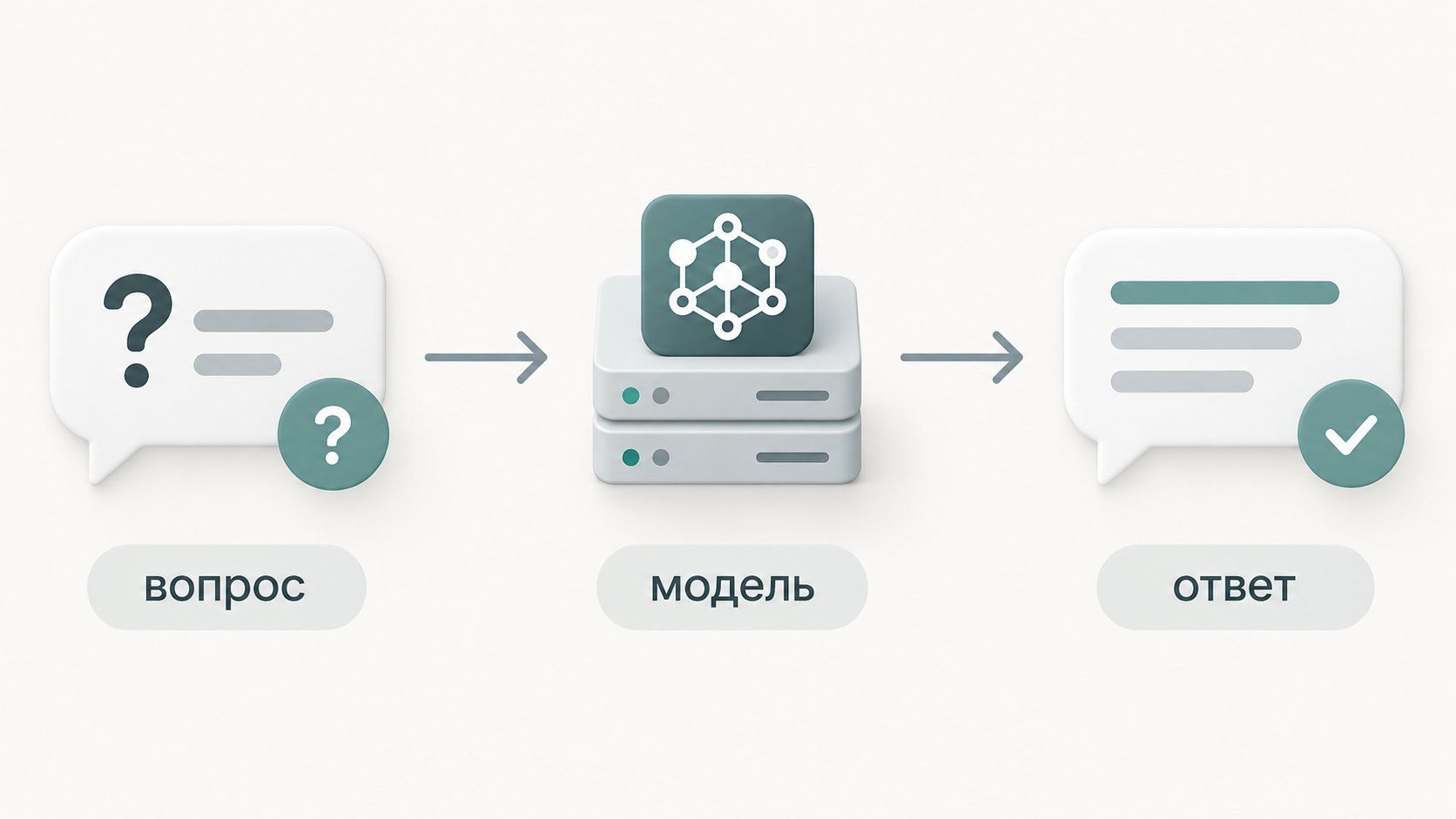
A regular chat works roughly like this: question → model → answer.
Systems in which a model can use tools are more interesting: task → model → action → result → next action.
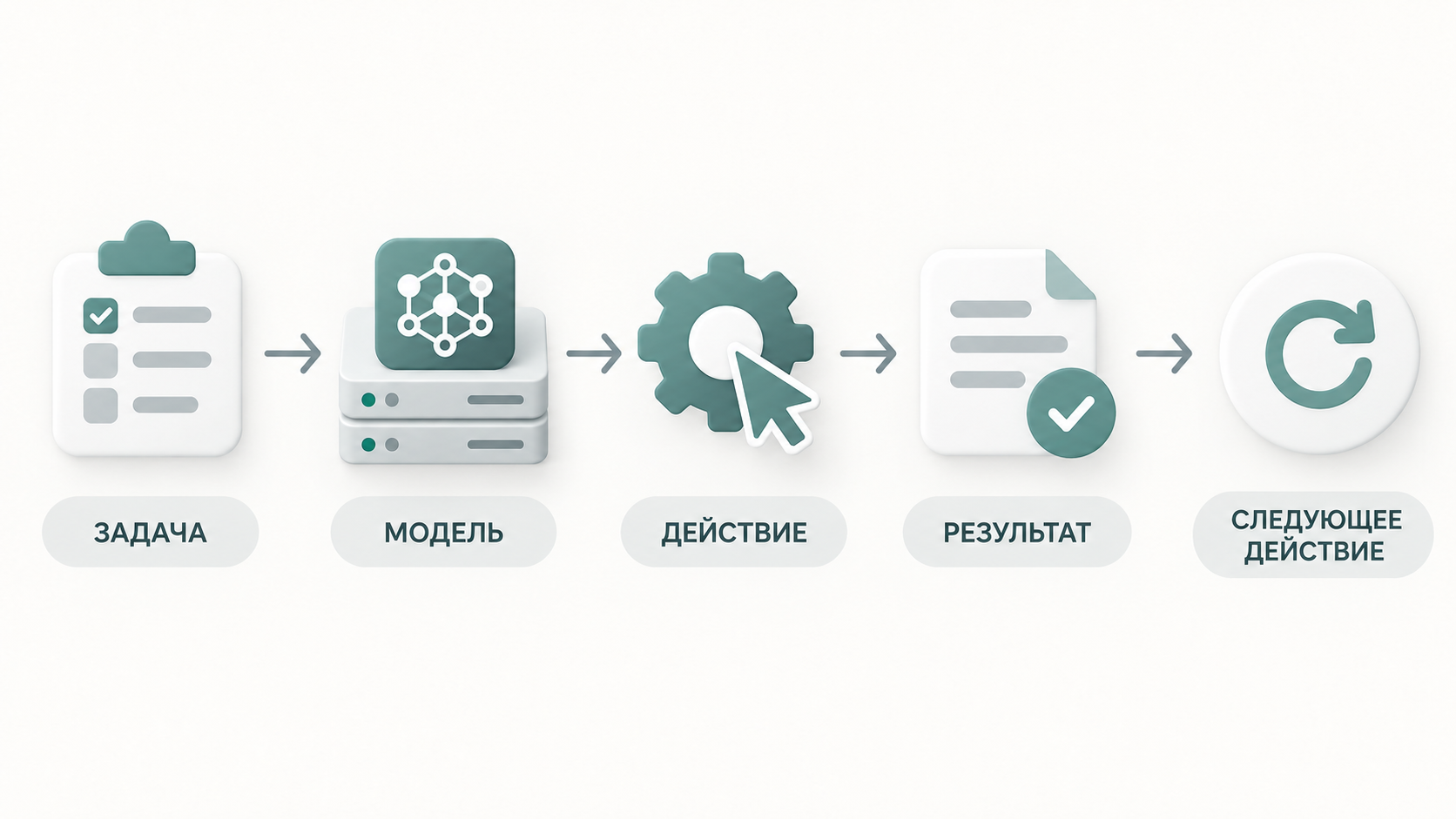
For example, an agent can read a file, call an API or run an approved command on another computer. One example is an AI agent running on a Linux server and interacting with a Windows computer over SSH. At that point, AI is no longer only a chatbot. It becomes part of a complete working system.
Tasks we explored
Building a learning server was not an end in itself. We wanted to understand how the knowledge gained could be applied to software development, automation and business tasks.
We therefore considered several practical scenarios.
1. Automating the preparation of social media content
One learning scenario was an automated workflow for preparing posts. The system receives a topic or source material, produces several versions of the text, adapts the content for different platforms and prepares an image description. At the final stage, the material is sent to a person for review before publication.
This scenario helped us study how n8n, language models and external services work together. It also showed which operations can be automated and where human control must remain.
2. Searching and comparing products from several suppliers
Another area of study was matching products from different B2B catalogues. In practice, the same product can have different names, product codes and description formats across suppliers. We considered how to build a system that collects information from several sources, matches products and compares prices, availability, minimum order quantities and delivery terms.
We were particularly interested in using AI to normalise data and find matches that are difficult to detect through ordinary text comparison.
3. Extracting information from documents
Another practical experiment involved the automatic analysis of documents. The task was to study how well language models can extract structured information from emails, contracts, licences and other documents. We were particularly interested in how reliably a model could find dates, deadlines, obligations and other important details. We also considered integrating the extracted data with calendars and reminder systems.
This area is especially useful for understanding the limitations of AI: extracted information must be checked, and model errors can have real consequences.
4. Local AI as part of software
Integrating language models with other applications through an API was another part of the training. The principle is fairly simple: an application sends a request to a local model and receives a response, which it then uses in its own workflow. From a technical perspective, this resembles working with cloud AI services, but the processing takes place on our own hardware.
We studied how to organise this interaction and what requirements it places on performance, error handling and application architecture.
Local or cloud-based AI?
One of the main questions we explored during the training was when it makes sense to run AI locally and when a cloud service is the better choice. Services such as ChatGPT, Claude and commercial APIs provide powerful models without requiring users to maintain their own computing infrastructure. Local AI, in turn, provides more control over the environment, settings and data processing.
During the experiments, we considered several factors:
- Is a local model capable enough for the task?
- How much computing power is required?
- How important are response speed and stability?
- What data can be sent to an external service?
- How can confidential information be handled securely?
- When does a combination of local and cloud-based models make sense?
We found that there is no universal answer. Small local models are sufficient for some tasks. Others benefit from the capabilities of large cloud systems. In some cases, a hybrid architecture is the most sensible option.
An AI lab
The main value of the lab was not the number of graphics cards or installed models. The project allowed us to combine several areas of knowledge in practice: Linux, Docker, server administration, networking, information security, language models, programming and automation. We were able to work through the complete path ourselves, from configuring the hardware to experimenting with AI applications and agents.
Not every experiment produced the expected result. Some models required too many resources, others were slow or did not provide sufficient quality, and some tools had to be reconfigured or replaced. That was also part of the learning process.