
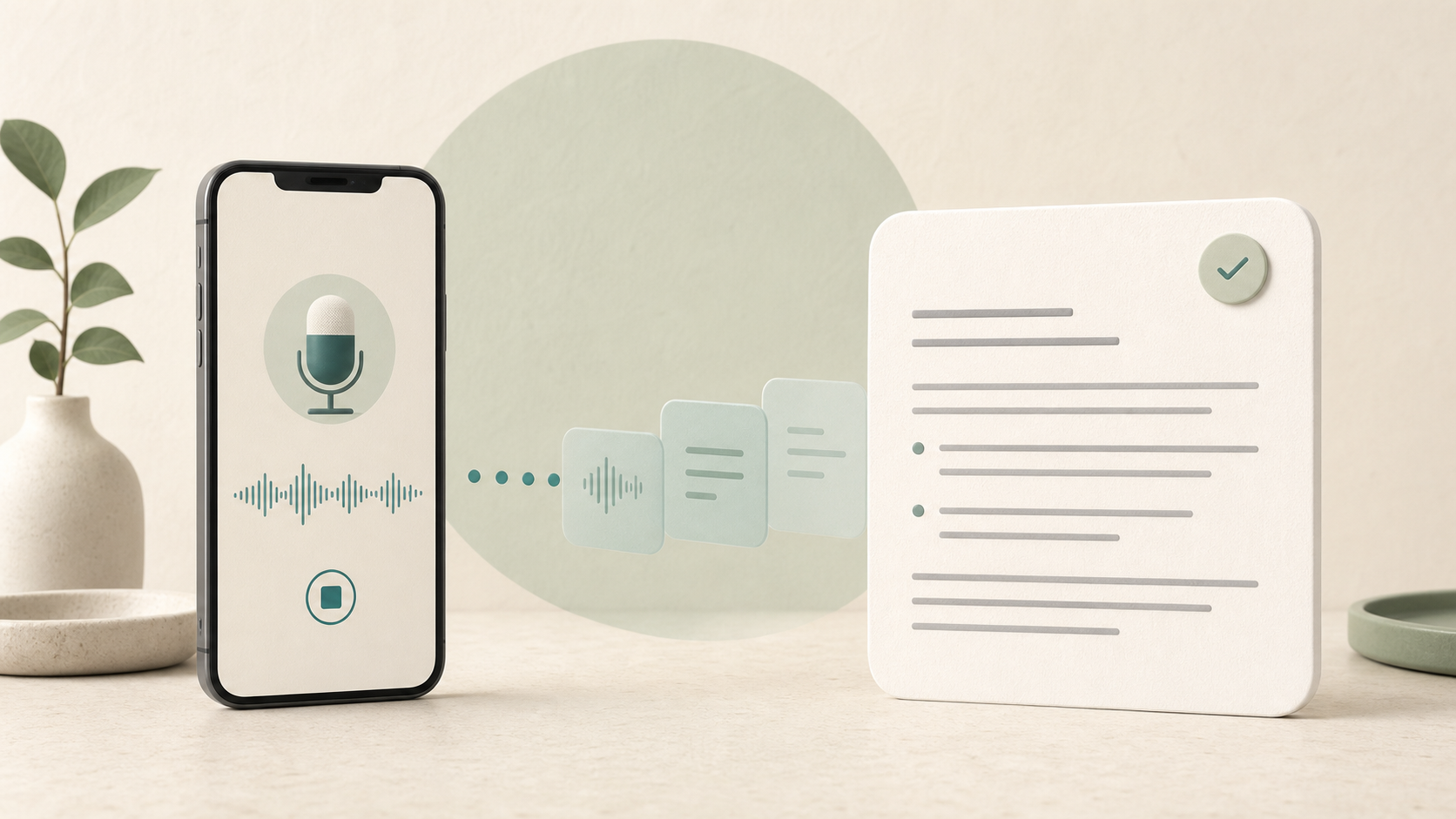
There are two ways to begin.
Option 1. The voice note is saved as an audio file
We record a voice note on a phone. In this case, the recording becomes an audio file.
We send this file to Codex. Codex first transcribes the audio and produces text that can be worked with further.
This option is useful when an idea needs to be captured quickly but there is no time to work through it straight away.
Option 2. Speech becomes text straight away
We turn on voice typing and speak; the recognised text appears in the note immediately. The result is a text note rather than an audio recording.
In this case, Codex does not need a separate transcription step: we send it the finished text.
From here, both options work in the same way
- Codex receives an audio file or a finished text note.
- If it receives an audio file, Codex transcribes it first.
- Codex then applies Aigensia’s editorial rules: it removes repetitions and filler words, corrects obvious recognition errors, splits the text into short paragraphs and adds a title.
- The rules say that unclear passages must be marked, not guessed. This is not something to rely on completely: a model can still make mistakes or fill in meaning, so we always review the finished draft.
- Through the connected Notion connector, Codex creates a separate page in the Content database, moves the edited text there and assigns it the status Draft.
- We check the result and decide what should happen with the material next.
At the editorial level, two main steps remain: dictate the material in a convenient way and review the finished draft. With the audio-file option there is one additional technical action: sending the file to Codex.
Alternatives considered and why we did not choose them
One option was to run a local language model on our own server. This would provide more control over the technical environment, but would require setup, suitable hardware, updates and ongoing maintenance.
For a small volume of non-confidential text, such a system would be unnecessarily complex. For the first working version, we therefore used an external service that was already available. If confidentiality requirements change, the architecture will need to be reconsidered.
Texts could have been saved in Google Docs instead of Notion. But content work needs more than the document itself: its status, creation date and place in the overall list of materials also matter. Aigensia already uses a Notion database for this, so adding another tool made no sense.
Tools used
- Voice recording on a phone saves the note as an audio file
- Voice typing converts speech into a text note immediately
- Codex receives the audio file or text and follows the given instructions
- Aigensia editorial rules define the text’s structure, style and processing boundaries
- The Notion connector links Codex to the working database through the Notion API
- Notion stores the finished materials and their statuses
Practical takeaway
For automation to be useful, there is no need to rebuild an entire workflow.
Sometimes it is enough to find one short but recurring chain — processing notes, transferring enquiries or preparing a report, for example — and connect tools you already know.