
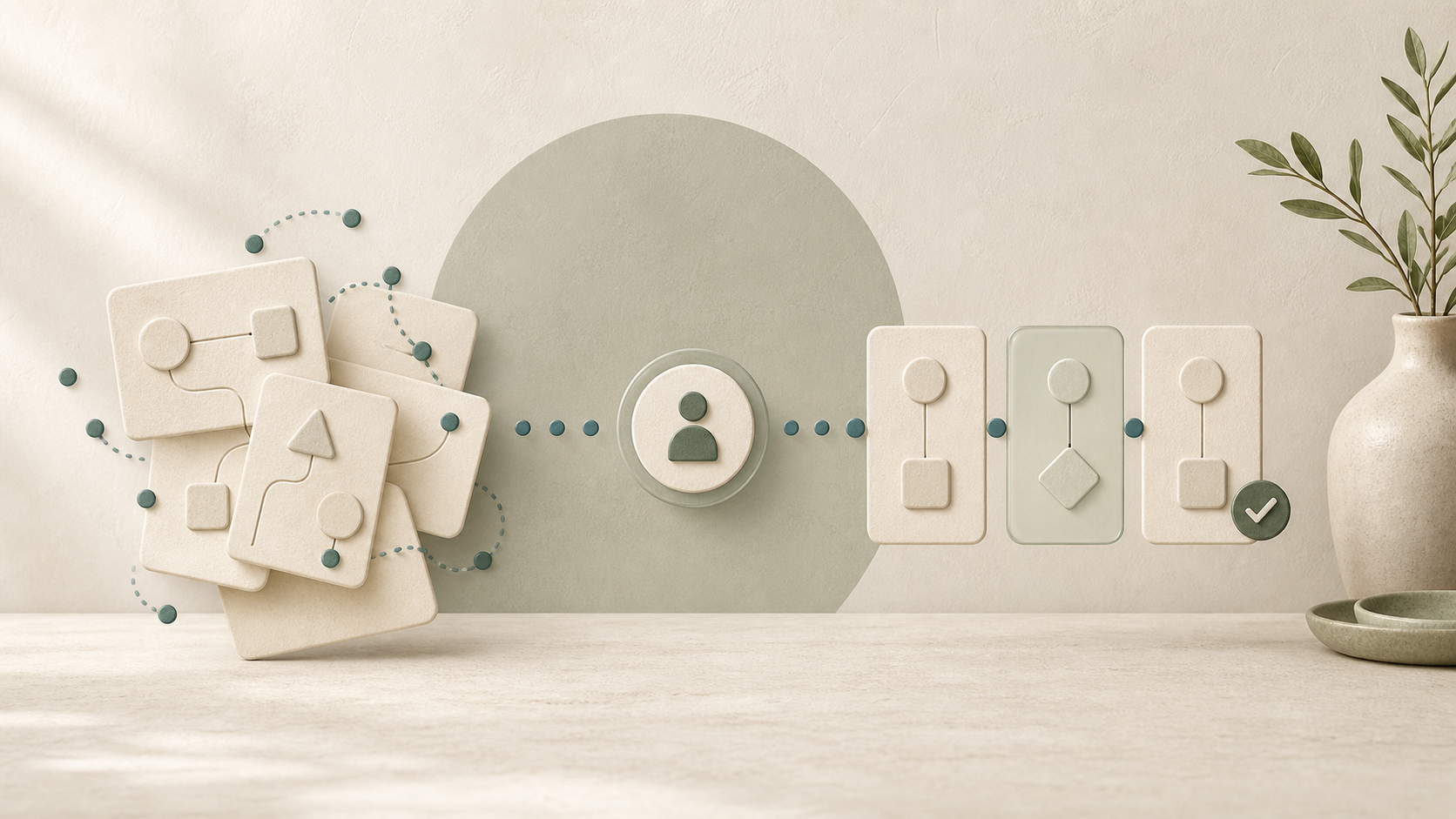
Automation works well when it is already clear what should happen. If people handle the same task differently every time, information is kept in several places, and important exceptions live in one person’s head, a new tool will not create order by itself.
It will simply carry the existing confusion into a new system.
Automation does not start with choosing software
Before choosing a tool, look at how the work is actually done now. A business may want to automate the handling of enquiries: an enquiry arrives, someone replies and the information is saved. In practice, enquiries can arrive through the website, email and social media, while different people record them in different places — or only remember to reply later.
Map the process from start to finish. Note where information comes from, who makes a decision, what must be checked and where the result should be recorded. This usually reveals repeated actions as well as exceptions that a tool cannot safely guess.
Signs that it is too early to automate
- The same request is handled differently by different people.
- No one can clearly explain which information is required before work starts.
- Important rules exist only in someone’s memory.
- The result is not checked, or nobody knows who is responsible for checking it.
- The process changes every week because the basic order has not yet settled.
These are not failures. They are a sign that the process first needs a simple shared way of working.
Put the process in order first
Start with one small task. Agree where incoming information is stored, what minimum details are needed and what happens next. Remove duplicate actions and decide which exceptions require a person’s judgement.
The goal is not to write a perfect manual. It is to make the normal path clear enough that another person can follow it without guessing.
Begin with semi-automation
A useful first version often prepares part of the work but leaves the final decision to a person. For example, a system can collect an enquiry from several channels, put its details into one place and prepare a draft response. A person still checks the information and sends the reply.
This approach shows where the tool helps and where it makes mistakes. It is safer than connecting everything at once, especially when a task affects customers, payments or personal data.
When full automation makes sense
You can move further when the normal sequence is stable, inputs are clear and exceptions are known. There should still be a way to notice errors, correct a result and stop the process if something goes wrong.
Automation should make a real repeated task easier. It is not useful merely because a new tool is available.
What happens when you rush
If a confusing process is automated too soon, mistakes become faster and harder to notice. Staff may spend more time correcting the system than doing the original task. Customers then receive inconsistent answers, and confidence in the tool disappears.
The practical approach is simple: first make one small process understandable, then test a helpful part of it with human review. Only after that decide which steps are safe to automate fully.